01 / Your daily picture
See where you stand today.
Nutrition, movement, recovery and one useful insight. A calmer way to check in with yourself.
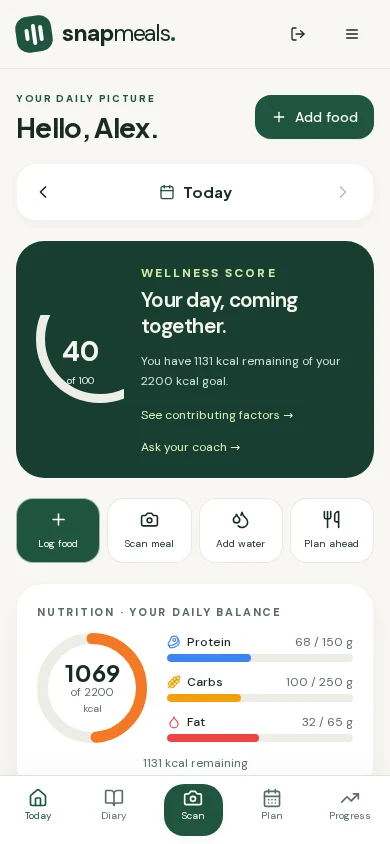
Nutrition, activity, sleep and wellness tracking
Log meals with a photo, barcode or label scan. Snap Meals lines your calories and macros up with steps, sleep and hydration from your wearable, so you can see what is actually moving the numbers.
Free plan available. No card required.
Built for daily use.
Fast to log, easy to read.
Why Snap Meals
From the first sip of water to tomorrow’s dinner, see the pieces together—and find a next step that fits your life.
01 / Your daily picture
Nutrition, movement, recovery and one useful insight. A calmer way to check in with yourself.
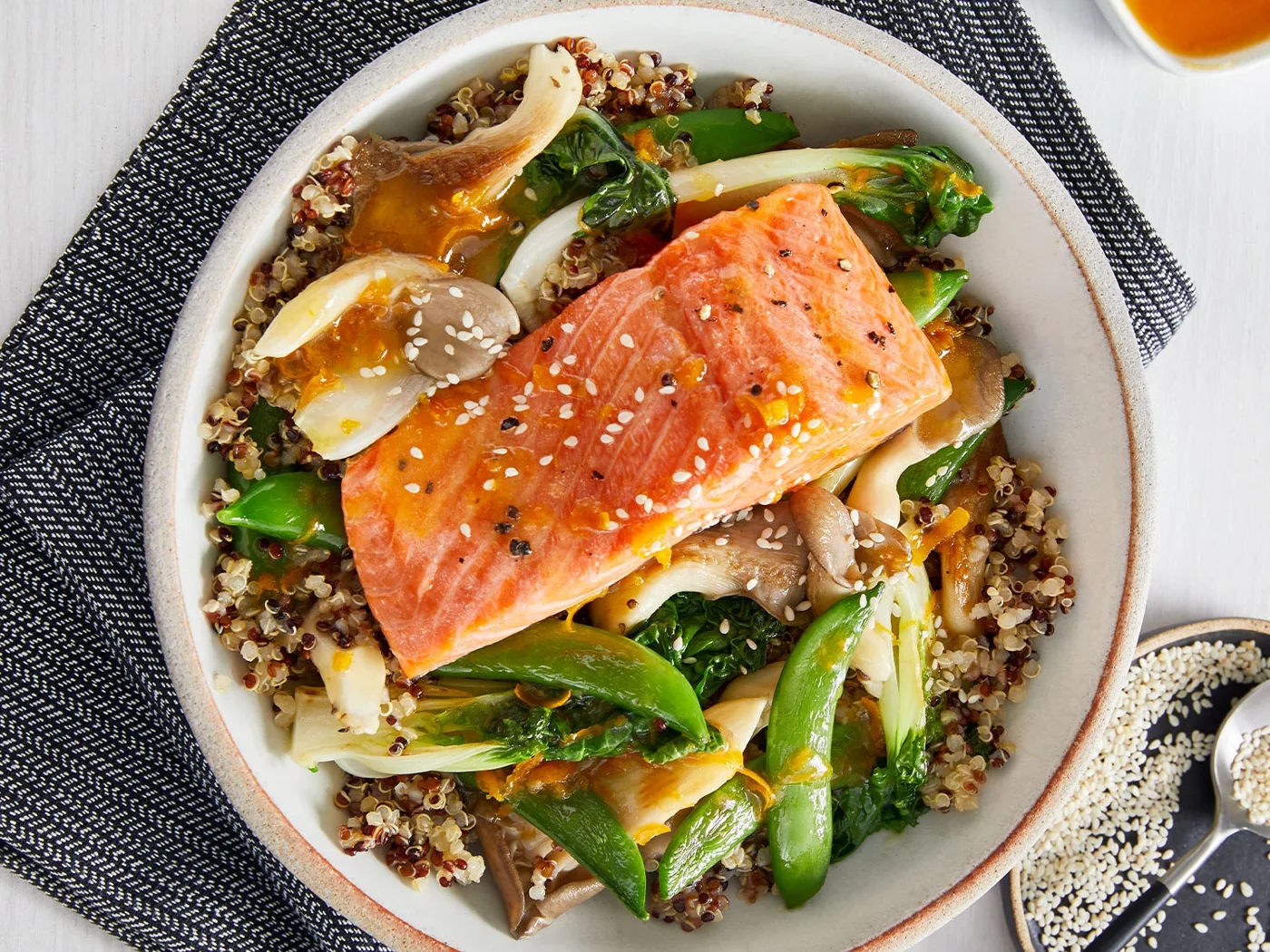
02 / Meal photo scanning
Let the photo do the starting. Review your portions, edit the estimated nutrition and make it yours.
Adjust food, portions and nutrition.
03 / Barcode + nutrition label
Look up packaged foods by barcode or read a nutrition label. Always review before adding it to your day.
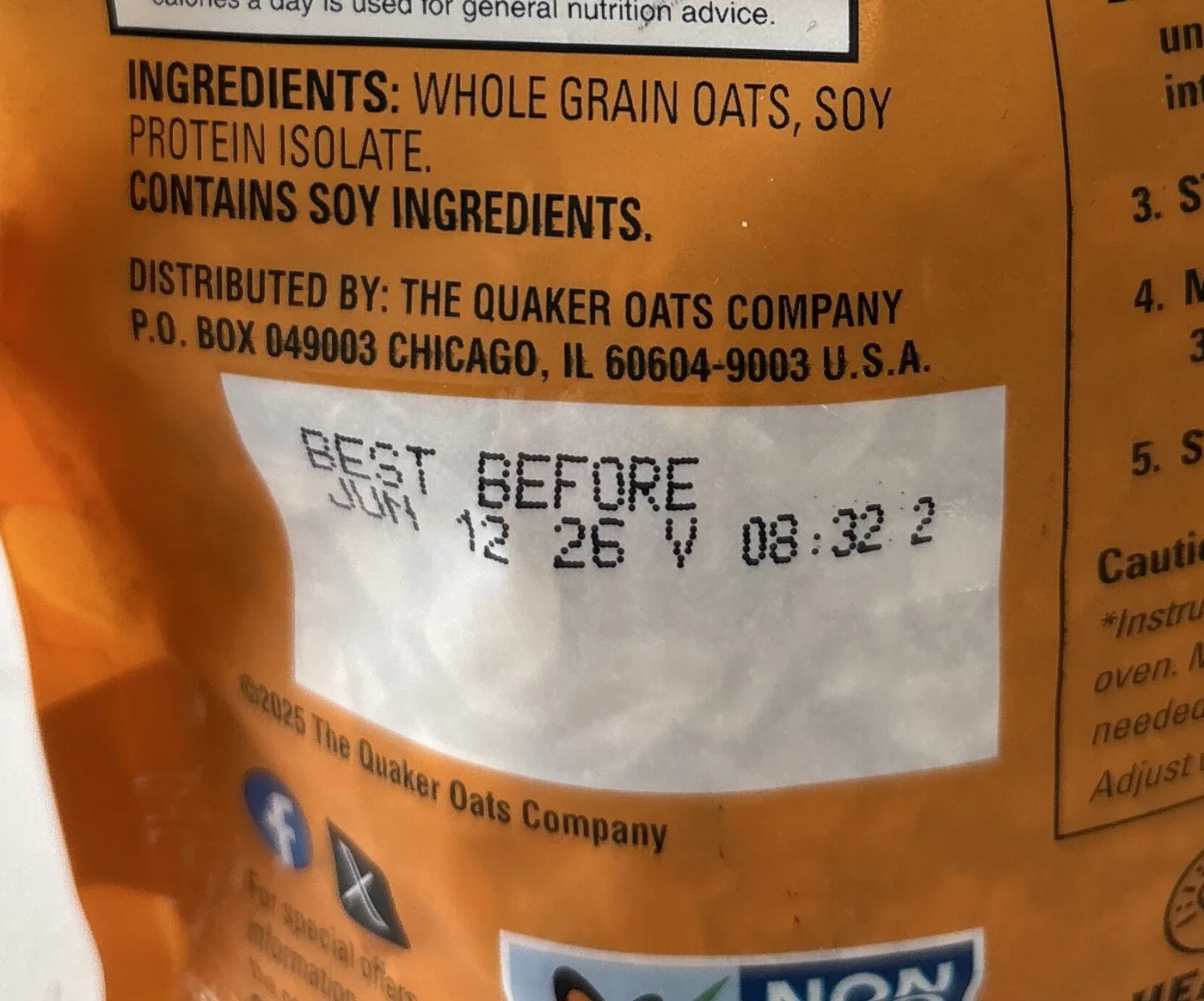
Packaged food → nutrition → diary
One place to review the details.04 / Voice logging
Describe your meal, review the suggested foods and confirm. Less typing between you and your day.
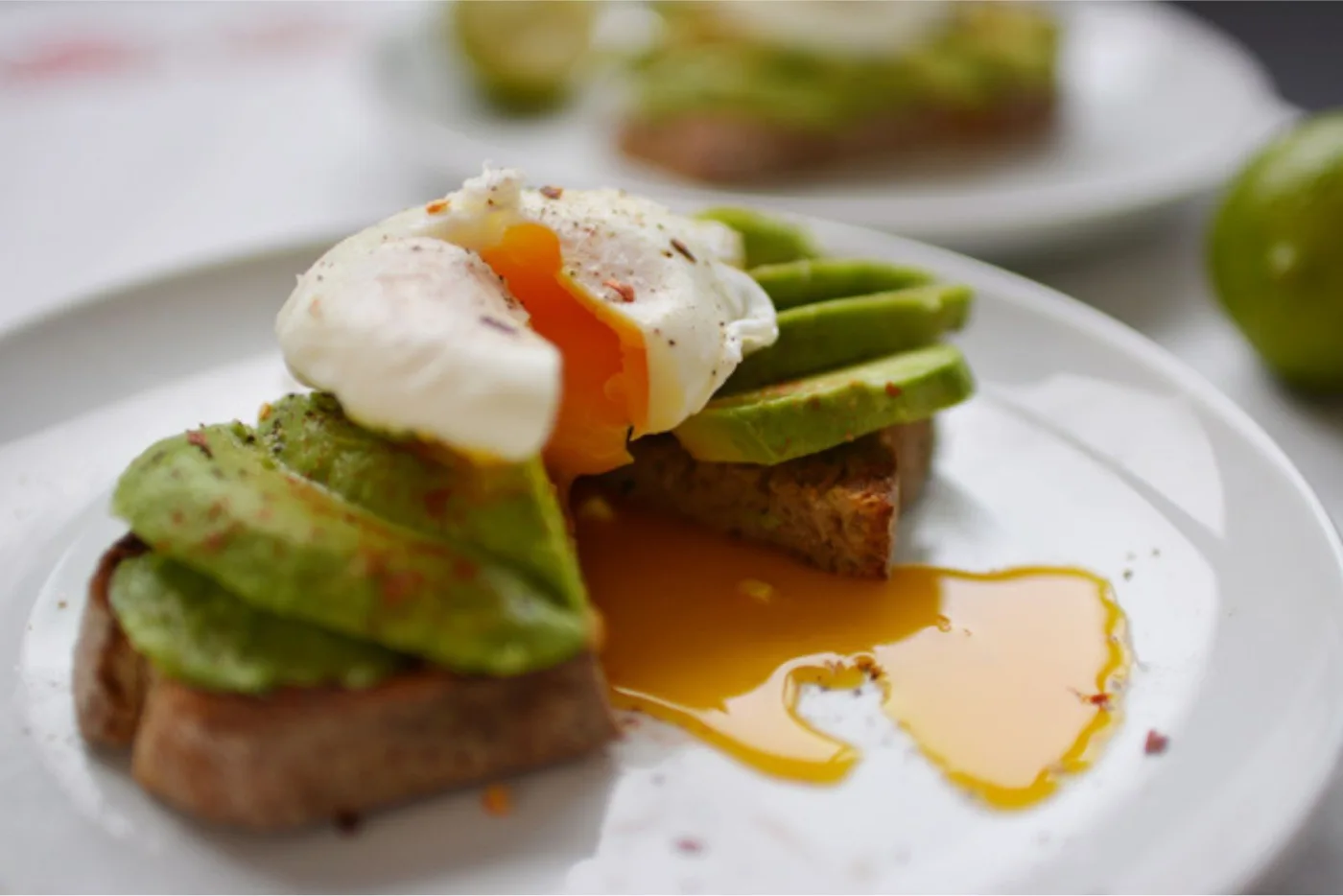
“I had eggs and avocado toast for breakfast.”
05 / Connected health
Authorized data from available sources adds context to the food you log.
Availability depends on source and permissions.
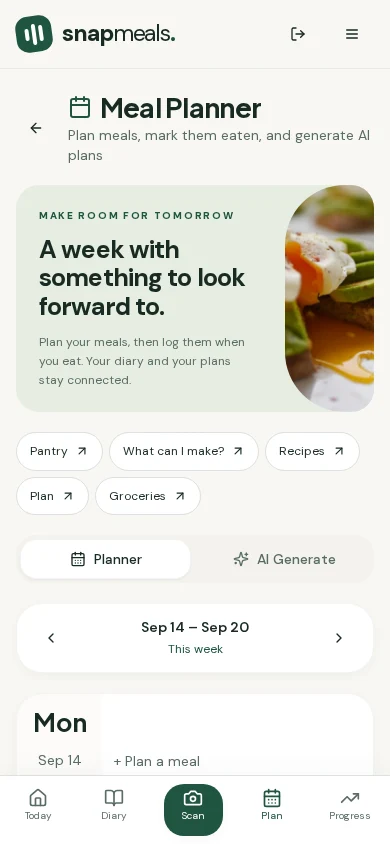
06 / Planning
Turn your pantry into possibilities, then give your next meal a place in the week.
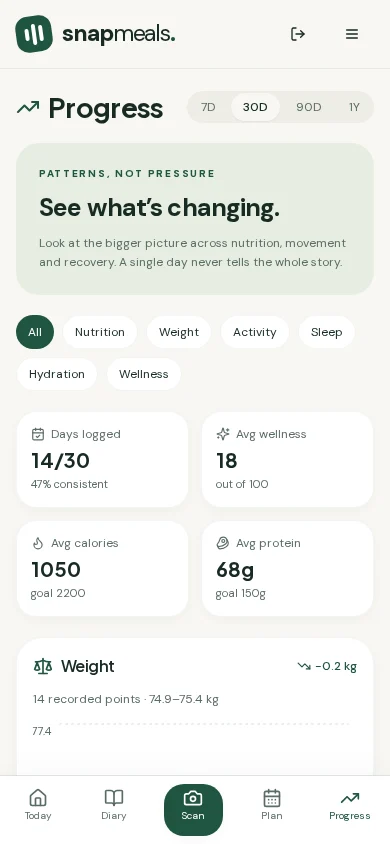
07 / Progress
Explore your nutrition, weight, activity and sleep over time. Patterns, not pressure.
08 / Personal guidance
Your Wellness Score, Daily Insight, Weekly Review and AI Coach turn your recorded day into perspective.
Wellness guidance, not medical advice.
Connected health
Bring nutrition, activity, sleep, weight, workouts, hydration, and daily habits together so you can understand how your day fits together.
Other available sources and their setup status appear in Connected Apps & Devices. Device support and permissions vary.
Inside the app
Check in. Log a meal. Plan ahead. Look back. Everything has its place.
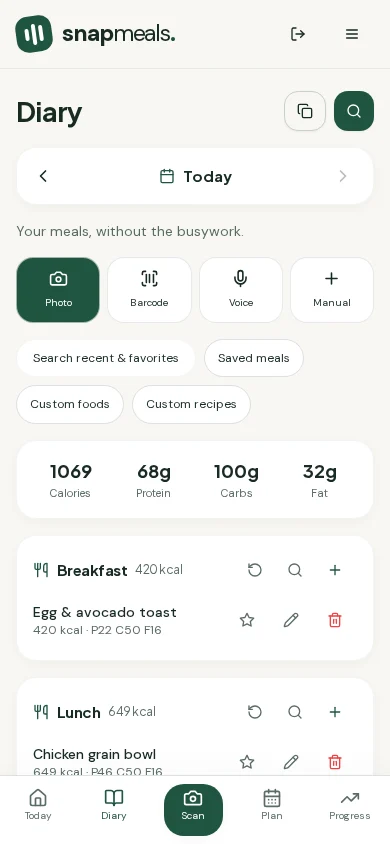
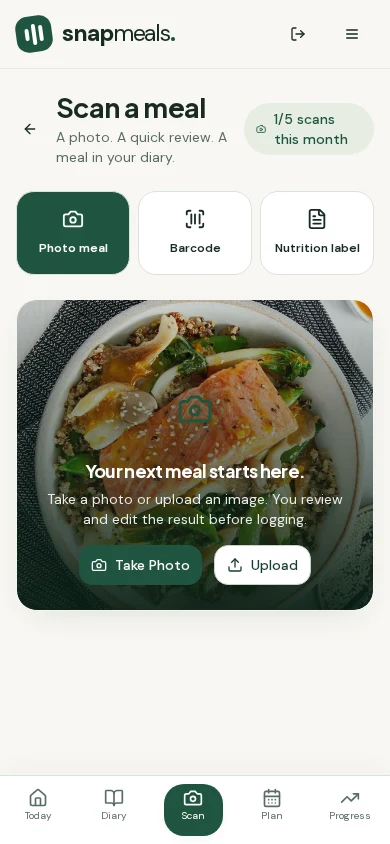
Actual SnapMeals screens. Illustrative example data; not a customer result.
Planning tools
Your food diary shouldn’t be a dead end. Connect what you eat with what you have—and what you’ll need.
Who it is for
You don’t need a perfect routine to start. Just a little more clarity about the day you’re already living.

Log lunch quickly and make room for a little movement.

Keep meals, pantry and grocery planning in the same conversation.
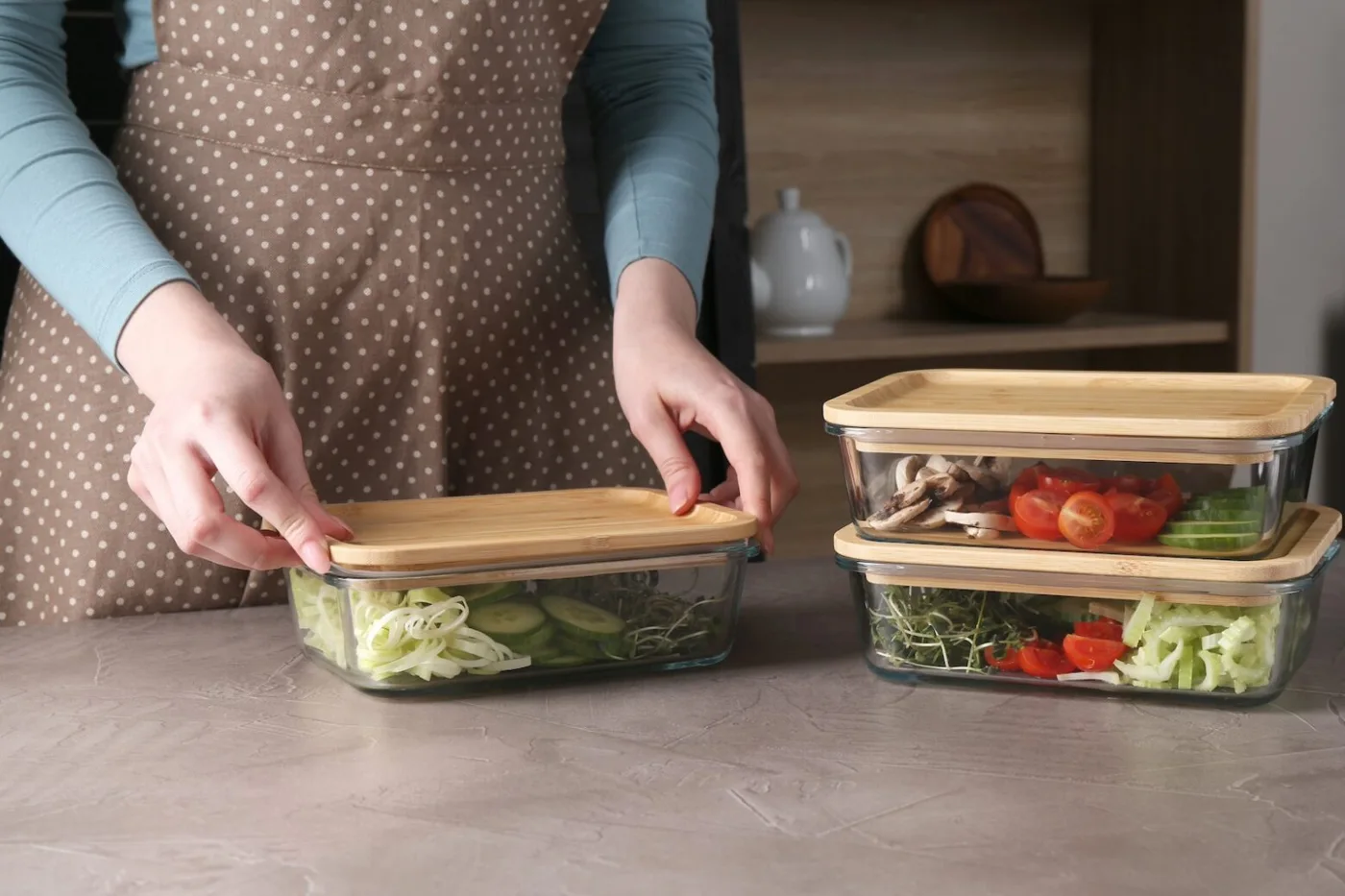
See your nutrition and prepare for the days ahead.

Bring movement, recovery and food into one picture.
Lifestyle examples, not customer testimonials or promised outcomes.
Pricing
Start free. Choose more scanning and planning flexibility when it fits your routine.
Build your everyday rhythm.
A useful everyday experience.
More ease. More room to explore.
Loading current price…
Good habits, shared.
Loading current price…
Paid subscriptions renew automatically at the displayed price and billing frequency until canceled. Manage or cancel in billing settings. Taxes, if applicable, are shown at checkout. Core health tracking stays available on Free.
Frequently asked questions
SnapMeals brings food logging, nutrition, activity, sleep, body trends, daily habits and meal planning into one connected wellness experience. Your Today view, Daily Insight and AI Coach help you decide what to focus on next.
No. Calories and macros are part of the picture. You can also track hydration, habits, weight and measurements, explore connected activity and sleep data, plan meals and build grocery lists.
SnapMeals shows steps imported from a supported, authorized health source. Availability depends on your device, provider and permissions; the website itself is not a step counter.
Yes, when a supported connected source supplies those records. Sleep, workouts, active calories and heart-rate summaries appear when data is available. Missing connected data does not reduce your Wellness Score.
Yes. Take or upload a photo, review the estimated nutrition, adjust the result and confirm it in your diary. Estimates are not a substitute for checking portions, ingredients and allergens.
Use barcode scanning to look up packaged products, or scan a nutrition label. You can review and edit the nutrition before logging. Not every barcode is in the product database.
The Android experience supports Health Connect. Connected Apps & Devices shows the availability and setup state of other sources. Connections require your permission; supported data varies by provider and device.
Yes. Add foods to your pantry, find recipe ideas, see which ingredients are missing, plan meals and build a grocery list. Marking a planned meal as eaten adds it to your diary.
Yes. Free includes everyday tracking and 5 photo, 5 barcode and 5 nutrition-label scans per month. Full weekly AI planning and unlimited scans are included in paid plans.
Yes. Pro and Family are free of third-party advertising. Free accounts are eligible for optional, non-disruptive advertising where available. No ads appear in scanning, account setup, billing, coaching or health-authorization flows.
Yes. Connected Apps & Devices includes disconnect and imported-data deletion controls. Disconnecting stops access; deleting imported data is a separate action. You can also delete your account and associated data in Settings.
Get started
Free plan included. Upgrade only if you want the connected-health features.